
Welcome to SoulsNote Free Tools
A growing collection of interactive experiences created to support sound, breath, presence and connection. These tools are free for everyone to explore—simply open the one that calls to you and take a moment to listen, breathe and reconnect.
If these creations bring something meaningful to your journey, you’re welcome to support their continued development through an optional donation.
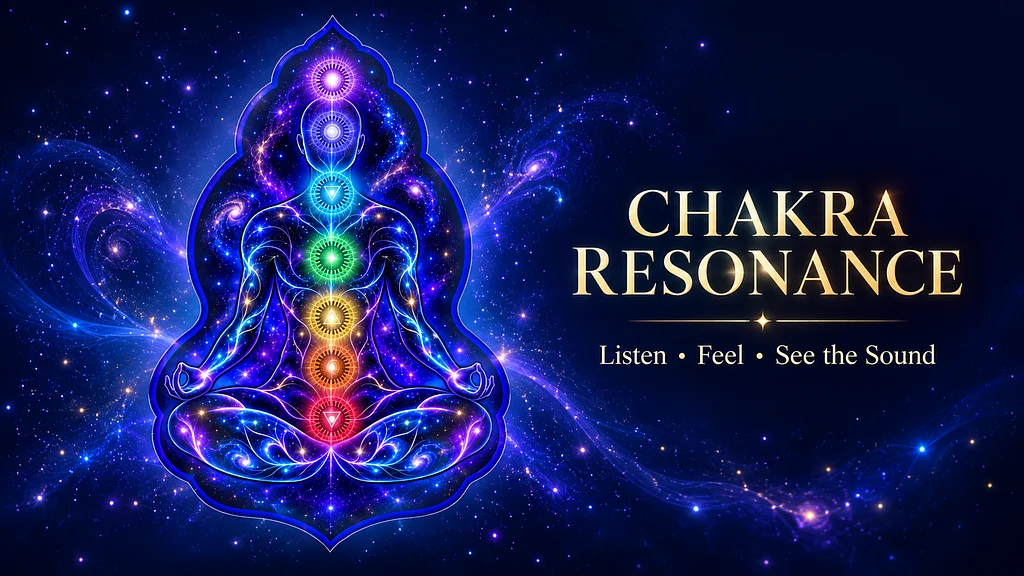
Experience Sound as Light and Movement
SoulsNote Chakra Resonance is an interactive sound experience that listens through your device’s microphone and brings sound to life through the seven chakra centres.
Play a singing bowl, flute, drum or another instrument—or simply use your voice. As matching frequencies are detected, the corresponding chakras illuminate and flow with colour. Multiple tones can activate multiple chakras together, allowing you to see layered sounds moving through the energy body.
You can also explore the included test tones, chakra information, evolving meditation sounds and your Daily Chakra.
How to Use Chakra Resonance
-
Select Open Chakra Resonance below.
-
Choose Listen and press Start Listening.
-
Allow microphone access when your phone asks.
-
Select the listening mode that best suits your sound.
-
Open the full-screen energy body.
-
Play, sing or create a sustained sound and watch the chakras respond.
For a demonstration, choose Test Sounds. You can activate one or several tones together and select Stop All Tones when finished.
For the clearest results, use a sustained sound in a quiet space and keep your device close enough to hear it clearly.
Add Chakra Resonance to Your Phone
Save Chakra Resonance to your Home Screen and it will open like an app whenever you wish to use it.
iPhone or iPad
-
Open Chakra Resonance in Safari.
-
Tap the Share button.
-
Scroll down and choose Add to Home Screen.
-
Turn on Open as Web App if shown.
-
Tap Add.
Android
-
Open Chakra Resonance in Chrome.
-
Tap the three-dot menu beside the address bar.
-
Choose Install app, Add to Home screen, or Create shortcut.
-
Tap Install or Add.
Once installed, the Chakra Resonance icon will appear on your Home Screen for easy access.
SoulsNote Chakra Resonance is a creative and reflective sound experience. It is not intended as a medical or diagnostic tool.
Listen • Feel • See the Sound
Thank you for your support!
Thank you so much for your support. Leave a message with your donation and I'll try to reply!